Beginning in SketchUp
Online course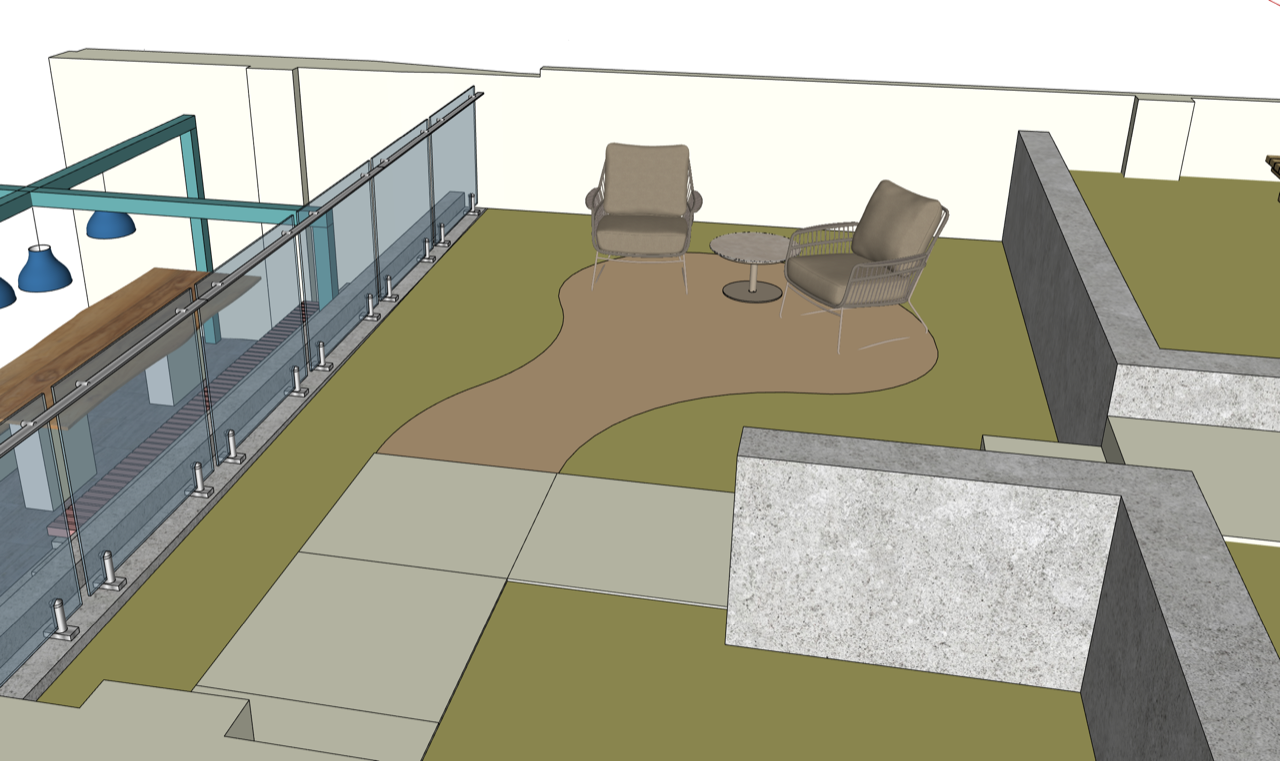
When Wednesday 8 October 2025, 6.00pm – 6.00pm
Duration 2 courses of 6 sessions each, each one 1 hour
Price £144 UK (inc.VAT) , £120 non-UK for each of the two courses
Location Online (live)
Overview
This course is a foundation in starting with SketchUp, it assumes no previous knowledge, or very basic experience.
It will establish professional workflows and give a firm grounding on the fundamentals of the software.
This is not designed as a “model-along” course
It will suit PC or Mac users
It will use SketchUp pro and is not suitable for Web/ iPad versions of the software.
As with all our courses, each session is recorded and links sent out to students, and will be kept online for three months.
Getting Started with SketchUp — 6 weekly sessions, 1 hour each
For garden designers, students and keen amateurs who are new to SketchUp. Over six sessions you’ll learn to navigate the model, draw accurately to real dimensions, use groups and tags to keep your models organised, model in 3D with Push/Pull and Offset, navigate and use the 3D Warehouse correctly, apply colour, and set up scenes to aid future presentation of your work. By the end you’ll have built and presented a simple, properly structured 3D garden of your own. A short pre-course pack covers computer set-up and hardware, so no live time is lost getting ready. Downloadable course notes, a training model and a keyboard shortcut sheet are included.2027
1- Tu. 5 January
2- Tu. 5 January
3- Tu. 26 January
4- Mo. 1 February
5- Tu. 9 February
6- Tu. 23 February
All 18.00 London time
£144 – UK students book here
Non-UK students, £120, book here for non-VAT/Sales tax
Developing Your SketchUp Workflow — 6 weekly sessions, 1 hour each
Follows on from Getting Started and moves into professional practice. You’ll learn to bring real sites into SketchUp by both plotting a hand-drawn survey using triangulation and importing a CAD survey into SketchUp and preparing it for use. You’ll also learn how to take a scanned hand-drawn design, import it into SketchUp and then turn it into an accurate 3D model. We’ll cover modelling terrain from spot heights, working with textures and environment settings, looking at extensions and installing a few recommended ones, and producing professional planting plans and schedules with PLANT25. A third course on LayOut and presentation drawings will follow.A LayOut course will be coming later!
1- Mo. 1 March
2- Tu. 9 March
3- Mo. 15 March
4- Tu. 23 March
5- Tu. 30 March
6- Tu. 6 March
£144 – UK Students book here
Non-UK students, £120, book here for non-VAT/Sales tax
John Brooks is the UK’s leading specialist in SketchUp for garden and landscape design. A garden designer with twenty years in practice, he founded SketchUp for Garden Design in 2017 and has since trained over 500 designers and landscape professionals across the UK and worldwide. His clients include the RHS, David Austin Roses and The English Gardening School, and his students range from sole practitioners to the studios of renowned designers such as Juliet Sargeant and Richard Miers. He is the designer and developer of PLANT25, the planting design extension for SketchUp now used across the profession to create planting plans and schedules.
What’s on

Naturalistic Planting Design Course
28 Sep 2026 – 8 Mar 2027 (11 sessions)
A hugely popular course which ranges from the basics of plant ecology, through the interpretation of natural vegetation patterns, to the practicalities of planting.
More info
Noel on the new Queen Elizabeth Garden in London’s Regents Park
Tuesday 29 September 2026, 6.00pm
"The most important new public garden in London this century" so says former Royal Parks Board member Wesley Kerr,
More info Book now
The Creative Gardener – Stephanie Mahon, Nigel Slater and Sarah Price with Annie Guilfoyle
Thursday 8 October 2026, 7.30pm
How gardens inspire creative process
More info
Andrew Duff: Design – Second Series
14 Oct 2026 – 9 Dec 2026 (3 sessions)
Learn from the 'designers' designer'
More info Book now